

Website Security Checklist for New Website Owners (2026)
August 2, 2026 | by anisurrahaman235f@gmail.com
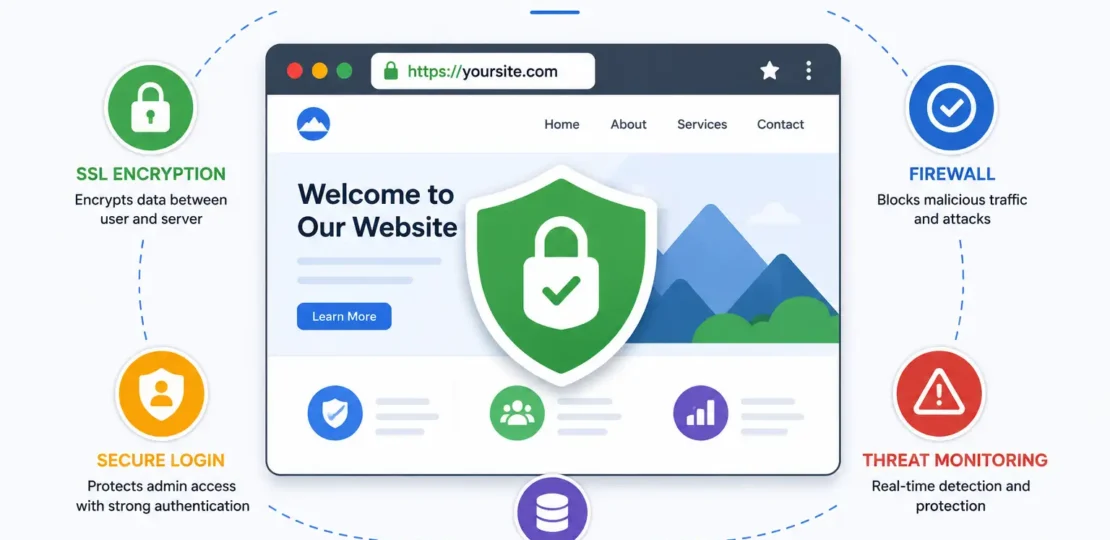
Launching a website feels like the finish line, but for anyone who’s actually run one for a while, it’s closer to the starting line of an ongoing responsibility. New site owners tend to focus entirely on design and content, treating security as something to “get to later.” The problem with that instinct is timing: automated bots don’t wait for you to feel ready. Bad bots now make up a substantial share of all web traffic, and unlike a human attacker manually targeting your specific site, these bots are constantly scanning millions of domains for known weaknesses the moment they go live.
This checklist walks through what actually matters for a new website’s security in 2026, grounded in current vulnerability data rather than generic advice that hasn’t been updated in years.
Why This Matters More Than New Site Owners Assume
It’s tempting to assume a brand-new, low-traffic site isn’t worth attacking. That assumption is backwards. Most attacks aren’t targeted at a specific business — they’re automated scans looking for known, unpatched vulnerabilities across as many sites as possible, and a new site is just as visible to those scans as an established one.
The scale of the problem has grown sharply. Security researchers tracking the WordPress ecosystem specifically — which still powers a large share of the web — recorded over 11,000 new vulnerabilities in 2025 alone, a jump of roughly 42% compared to the previous year. The overwhelming majority of these, upwards of 90%, trace back to third-party plugins and themes rather than the core software itself, which remains comparatively well-maintained. Perhaps more concerning: researchers have measured the median time between a vulnerability becoming public and attackers actively exploiting it at roughly five hours — far too fast for a manual “I’ll update it this weekend” approach to security.
With that context in mind, here’s what actually belongs on a new website owner’s security checklist.
1. Start With Hosting That Takes Security Seriously
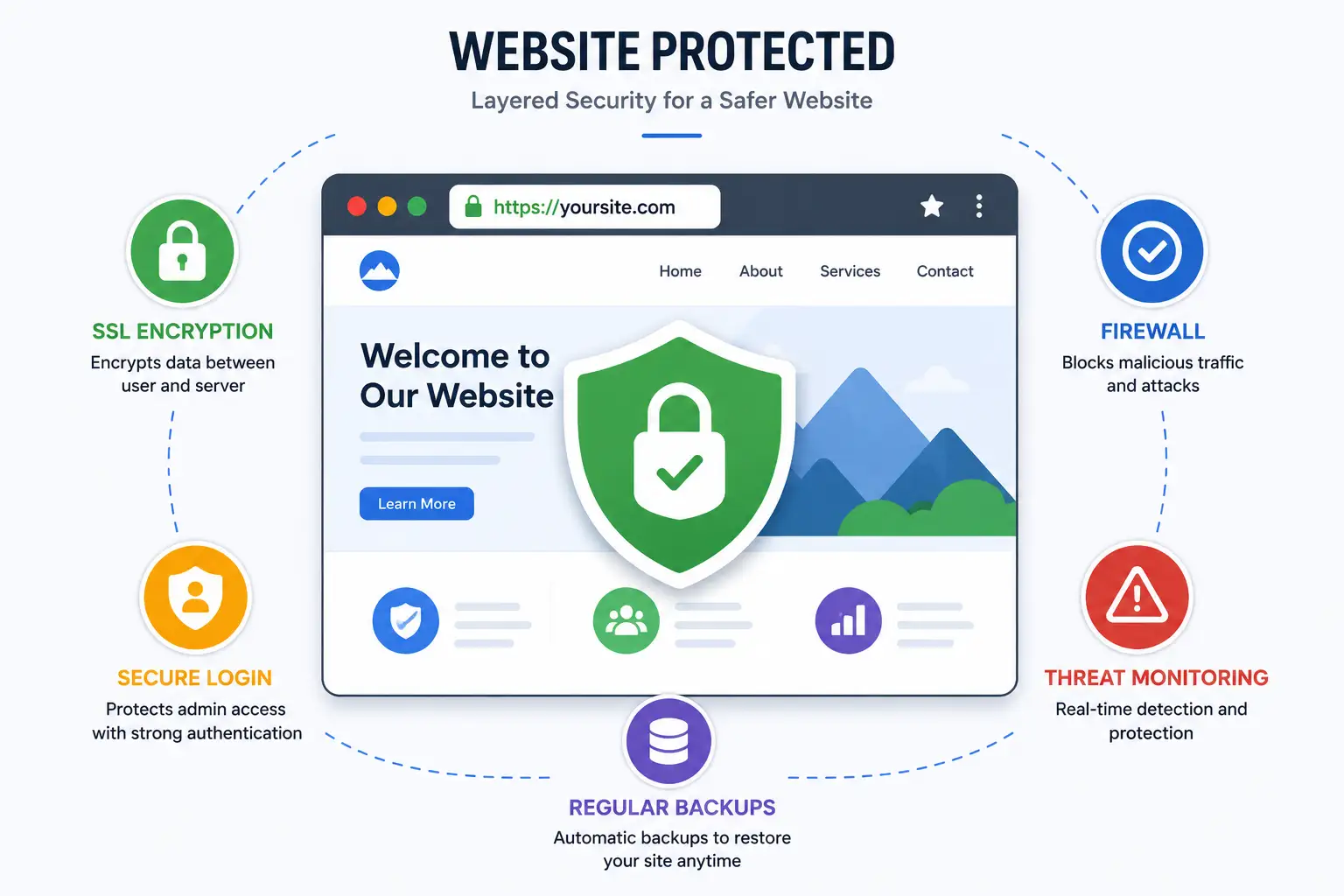
Your hosting provider is your security foundation, not an afterthought. Before anything else, confirm your host includes free SSL/TLS encryption, a web application firewall (WAF), DDoS protection, and automated backups as standard, not paid add-ons. It’s worth noting, though, that hosting-level defenses alone aren’t a complete solution — independent testing has found that standard hosting security layers miss a meaningful share of WordPress-specific attack patterns, since many exploits target the application layer rather than the server itself. Good hosting is a necessary foundation, not a substitute for the rest of this checklist.
2. Use Strong, Unique Admin Credentials
This sounds obvious, yet weak or reused credentials remain one of the most common ways attackers get in. Specifically:
- Never use “admin” as your username — it’s the first guess in any automated brute-force attempt
- Use a password manager to generate and store a long, random password rather than something memorable
- Enable two-factor authentication (2FA) on your admin login, hosting account, and domain registrar — this alone blocks the majority of credential-based attacks even if a password is somehow compromised
- Never reuse a password from another account, since stolen credentials remain one of the single most common entry points into a breach
3. Keep Everything Updated — Automatically
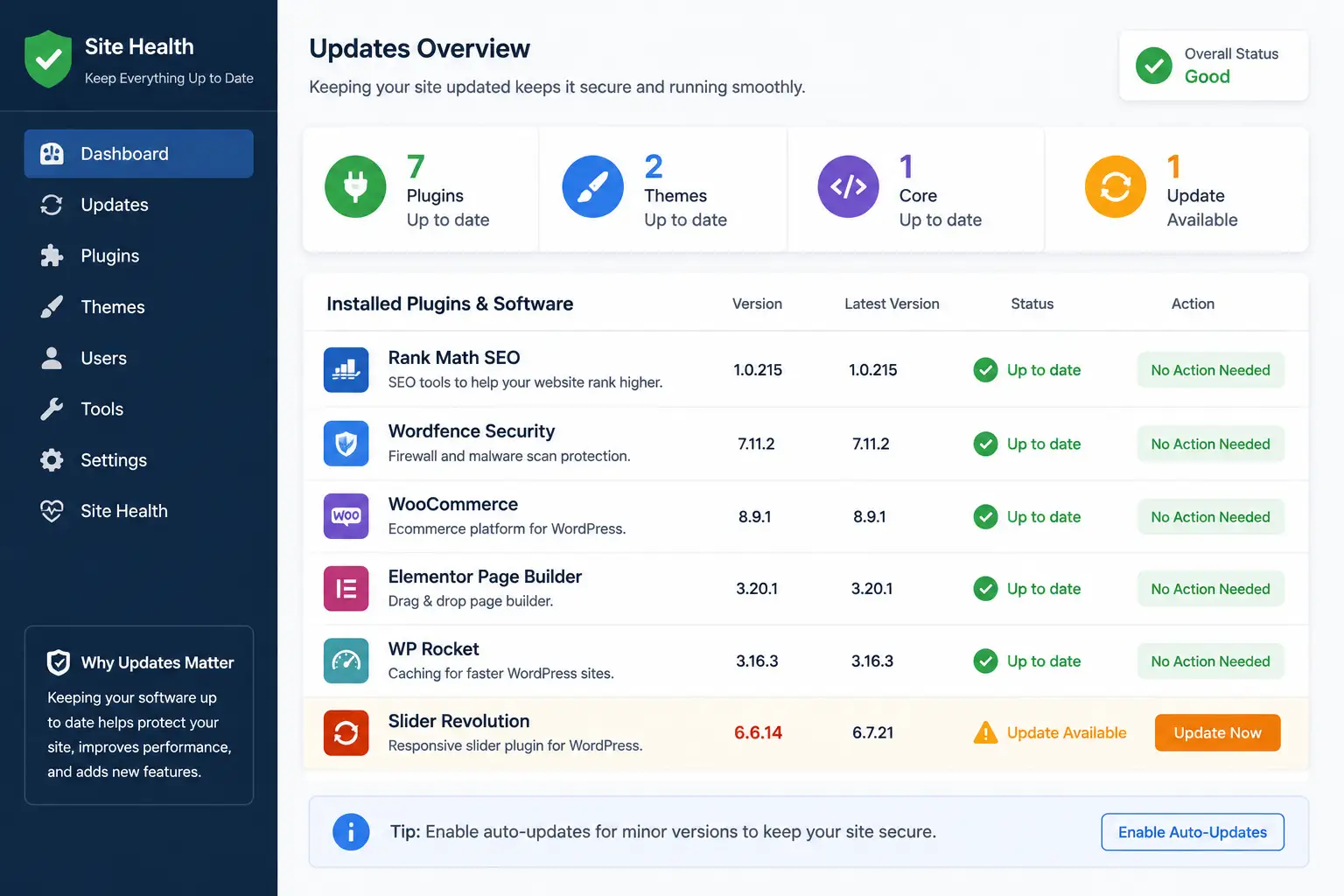
Manual updating simply isn’t fast enough against a five-hour exploitation window. Enable automatic updates wherever possible for your core software, and check plugin and theme updates at least weekly if automatic updates aren’t available for a specific extension. Notably, industry data shows that a large share of hacked sites had at least one outdated plugin at the time of compromise — this single habit closes more security gaps than almost anything else on this list.
4. Minimize and Audit Your Plugins
Every plugin or third-party extension you install expands your attack surface — the total number of possible entry points an attacker could exploit. Since the vast majority of vulnerabilities in content management systems now originate specifically in plugins rather than core software, treat each installation as a deliberate tradeoff, not a free add-on:
- Only install plugins you’ll actually use, and remove ones you’re not actively relying on — a deactivated plugin sitting in your files is still a potential risk, not a neutral one
- Check a plugin’s last update date and developer reputation before installing anything, especially free tools from unfamiliar sources
- Be cautious with “nulled” or pirated premium themes and plugins, which frequently contain hidden backdoors baked directly into the code
- Periodically review your installed plugin list and ask honestly whether each one still earns its place
5. Install a Reputable Security Plugin or Firewall
A dedicated security plugin adds a layer of protection beyond what hosting alone typically provides — commonly including brute-force login protection, malware scanning, and a basic web application firewall at the application level. This doesn’t replace good hosting security, but it fills gaps that server-level protection alone tends to miss, particularly for attacks that target application logic rather than the server itself.
6. Set Up Automated, Offsite Backups
Backups are your safety net when everything else fails, and the difference between a minor inconvenience and a genuine disaster often comes down entirely to backup quality. Make sure your backups are:
- Automated, not something you have to remember to trigger manually
- Stored offsite or in separate cloud storage, not only on the same server as your live site — a compromised server can take local-only backups down with it
- Tested periodically by actually restoring from one, since a backup you’ve never verified isn’t a backup you can fully trust in an emergency
- Kept on a schedule matching how often your content changes — daily for active sites, less frequently for largely static ones
7. Harden Your Login Page
Beyond strong credentials, a few extra steps make your login page a harder target:
- Limit login attempts so repeated failed logins trigger a temporary lockout, blunting automated brute-force attempts
- Consider renaming or restricting access to your default login URL if your platform supports it, reducing exposure to bots that specifically target known default login paths
- Enable passkey or 2FA support where available, since it’s increasingly offered as a standard option rather than a premium feature
8. Secure File Permissions and Disable Unnecessary Editing
Incorrect file permissions can let an attacker who gains limited access escalate that access further. Work with your host or a knowledgeable developer to confirm your file and directory permissions follow standard secure defaults, and disable the ability to edit theme or plugin files directly from within your site’s admin dashboard — a setting many platforms allow by default but few site owners actually need active day to day.
9. Sanitize and Validate All User Input
Any point where visitors submit data to your site — contact forms, comment sections, search bars, user registration — is a potential entry point for injection attacks, where malicious code is submitted disguised as ordinary input. If you’re using pre-built form plugins or themes, make sure they’re actively maintained and updated, since form-handling code is a common target precisely because it’s designed to accept outside input by nature.
10. Monitor for Malware and Unusual Activity
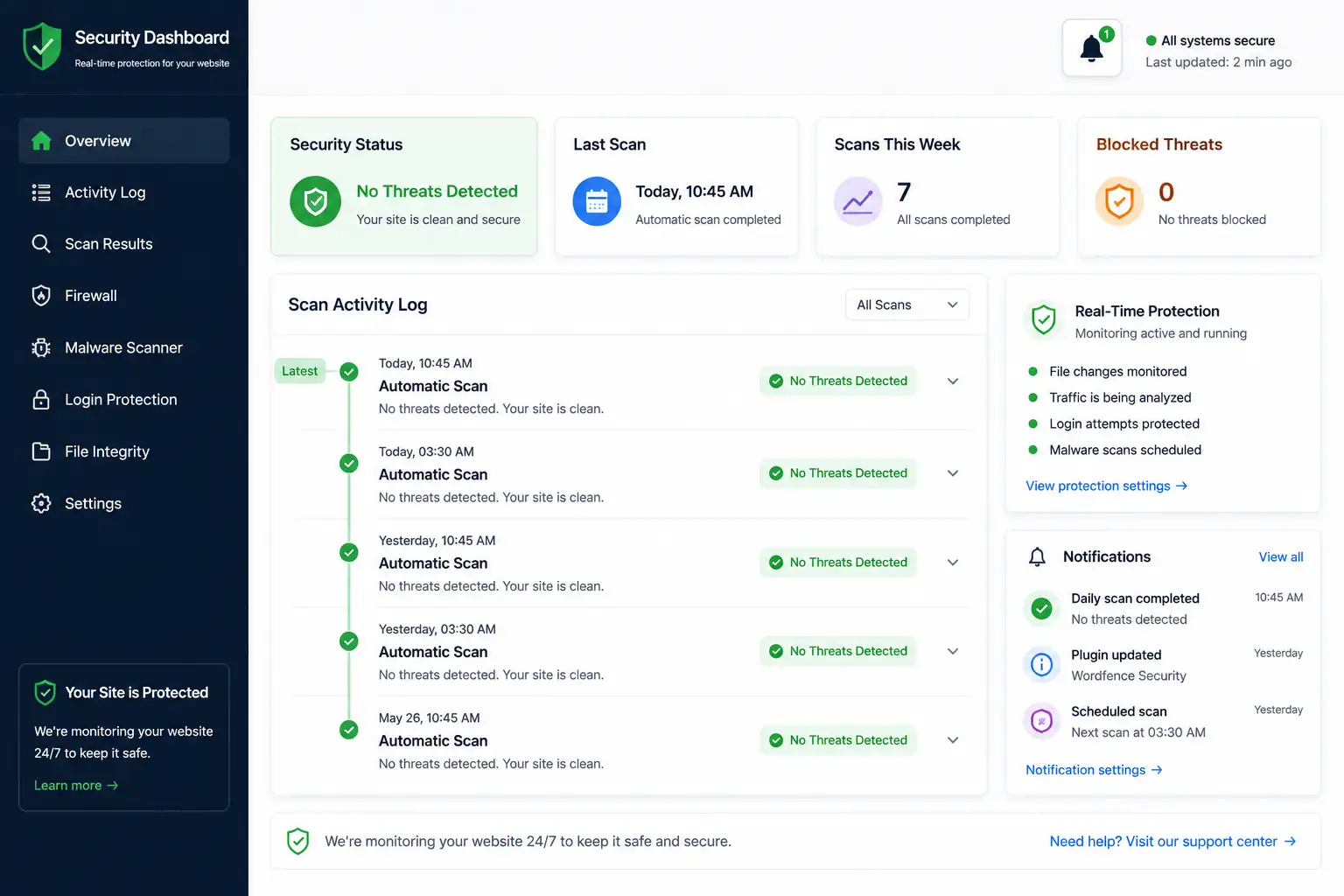
Set up malware scanning, whether through your hosting provider, a security plugin, or a dedicated third-party service, and pay attention to any alerts about unexpected file changes, unfamiliar admin accounts, or unusual outbound traffic. Catching a compromise early — ideally within hours rather than weeks — dramatically limits the damage compared to discovering it only after search engines have already flagged your site or visitors have started reporting problems.
11. Remove Unused Accounts and Access
Over time, sites accumulate old admin accounts, unused API keys, and forgotten integrations from tools you stopped using months ago. Each one is a potential unmonitored entry point. Periodically review who and what has access to your site’s backend, and revoke anything you no longer actively need.
12. Have a Basic Incident Response Plan — Before You Need One
Most new site owners never think about this until it’s too late. A basic plan doesn’t need to be elaborate: know where your most recent backup is, know your host’s support contact for emergency situations, and know the general steps you’d take to restore a clean version of your site if it were compromised. Given how quickly vulnerabilities move from disclosure to active exploitation, having this figured out in advance — rather than researching it in a panic during an actual breach — makes a measurable difference in how fast you recover.
The Bigger Picture: Layered Security, Not One Fix
No single item on this checklist is a complete solution on its own — that’s the actual lesson buried in the current threat data. Hosting-level firewalls miss a meaningful share of application-layer attacks. Updates alone can’t help against vulnerabilities that don’t yet have a patch available, which happens more often than most site owners realize. Strong passwords don’t protect against a vulnerable plugin, and a good security plugin doesn’t replace having backups. Real protection comes from layering these measures together, so that a gap in one layer doesn’t automatically mean a compromised site.
Final Thoughts
None of this requires advanced technical skill — it requires consistency. Set up automatic updates, use a password manager, enable two-factor authentication, keep your plugin list lean, and confirm your backups actually work before you need them. Do those five things alone and you’ll already be ahead of a large share of sites currently online. Security isn’t a one-time setup task you complete at launch; it’s an ongoing habit that gets easier once the basics above become routine rather than something you’re constantly catching up on.
RELATED POSTS
View all

Beginner’s Guide to Hostinger hPanel (2026 Edition)
August 2, 2026 | by anisurrahaman235f@gmail.com
How to Back Up Your Website on Hostinger (2026 Guide)
August 2, 2026 | by anisurrahaman235f@gmail.com

What Is Hostinger? A Complete Beginner’s Guide (Updated for 2026)
August 1, 2026 | by anisurrahaman235f@gmail.com