

20 Things to Check Before Buying a Web Hosting Plan (2026)
August 2, 2026 | by anisurrahaman235f@gmail.com
Most people choose web hosting the same way: they compare a few advertised monthly prices, pick whichever number looks lowest, and click buy. Then, months later, they discover a renewal price they didn’t expect, a resource limit they never knew existed, or a “free” feature that quietly stopped being free. This checklist covers the 20 things actually worth checking before you commit, including a few technical details that most beginner guides skip entirely.
1. The Renewal Price, Not Just the Signup Price
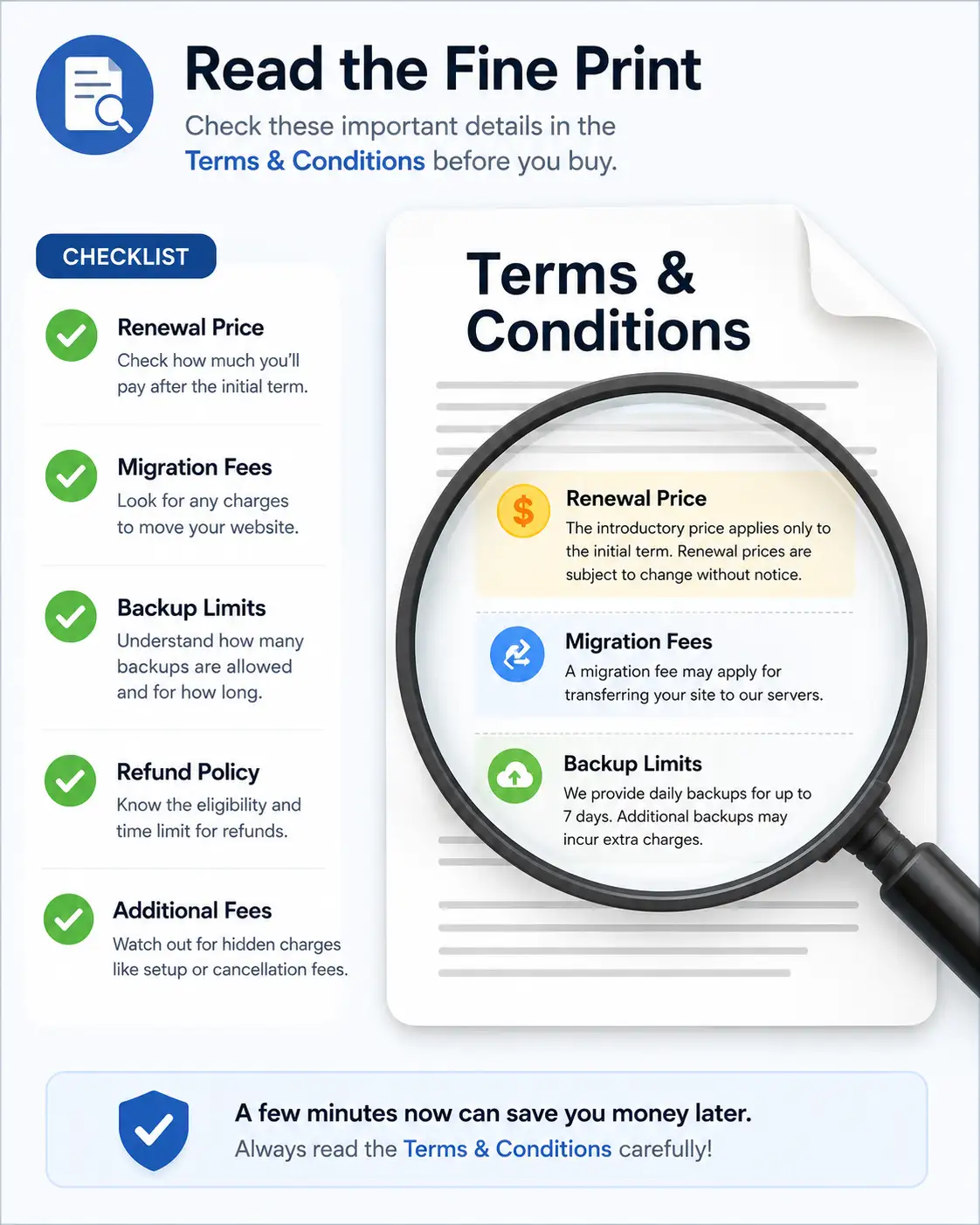
This is the single most impactful hidden cost in web hosting. A plan advertised at $2.99 per month can renew at $16.99 per month or higher once your introductory term ends, which is closer to a 290 percent increase rather than a minor bump. Before buying, find the renewal price listed on the provider’s actual pricing page, not just the flashy discounted number in the checkout flow, and calculate your real second-year cost before deciding the deal is actually good.
2. How Long You’re Actually Committing To
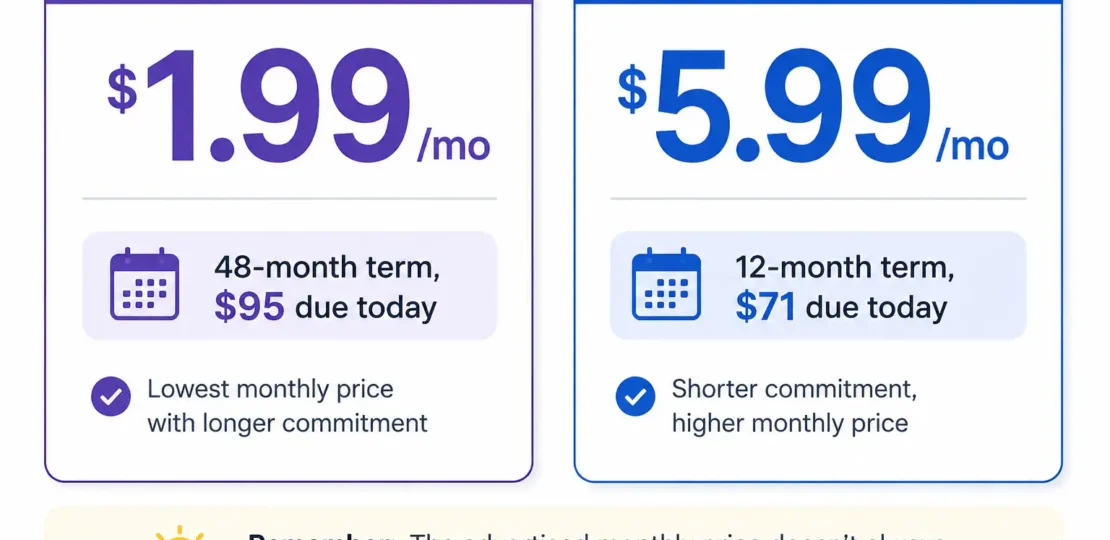
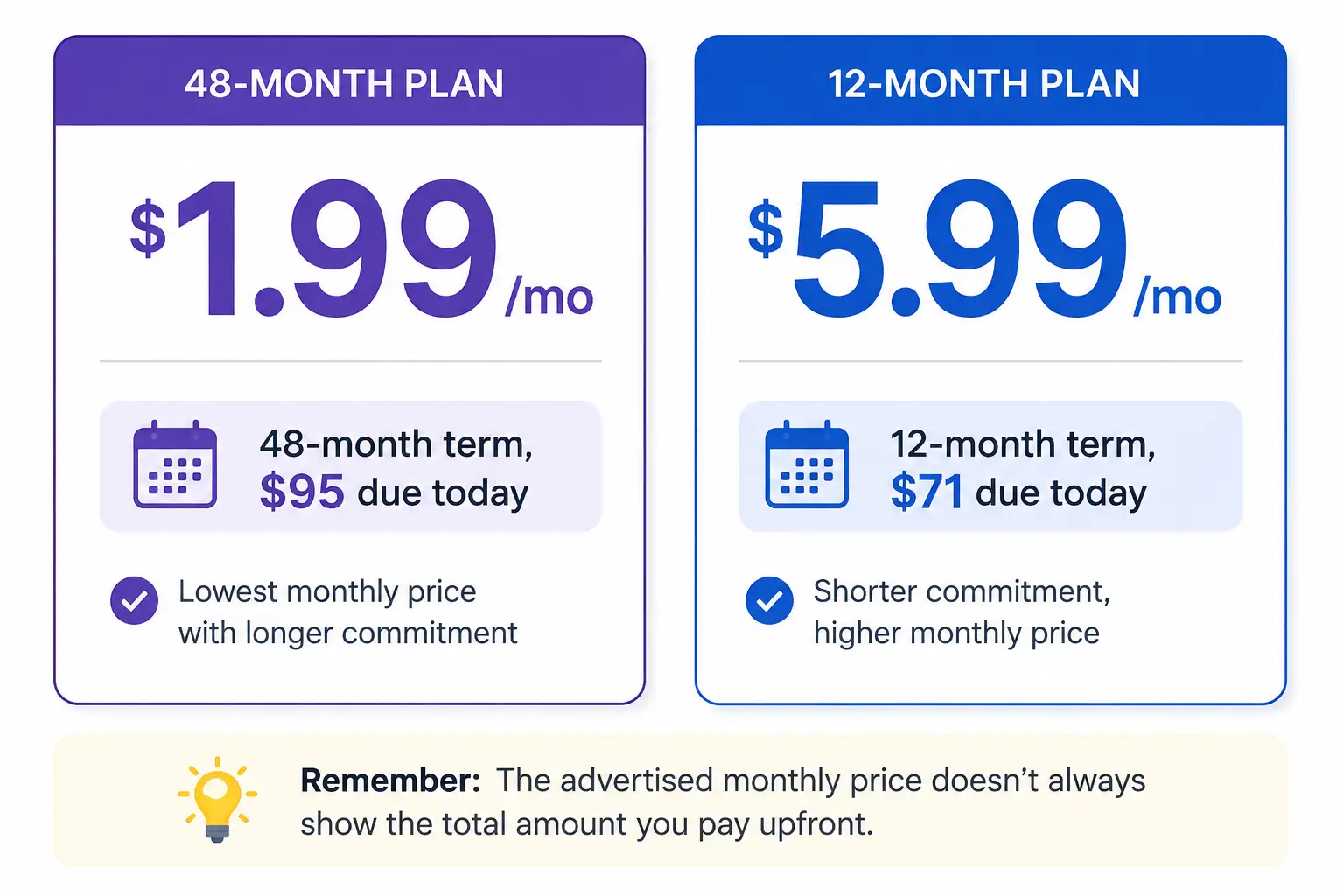
Many of the lowest advertised prices only apply if you prepay for a long-term contract, sometimes 24 to 48 months at once. That “$1.99 a month” plan might really mean paying close to $100 upfront today. Check both the monthly rate and the total upfront charge before assuming the deal fits your actual budget.
3. The Entry Process Limit (a Detail Almost Nobody Explains)
This is a genuinely underrated technical detail. Shared and even some cloud hosting plans cap the number of simultaneous processes your website can run at any given moment, often somewhere around 20 concurrent processes on entry-level tiers. In plain terms, this roughly determines how many visitors can interact with your site at the exact same second before performance starts degrading. It’s rarely mentioned in marketing copy, but it’s one of the first limits real growing websites actually hit, often before storage or bandwidth become a problem at all.
4. What “Unlimited” Actually Means
Words like “unlimited storage” or “unlimited bandwidth” sound reassuring, but they almost always come with unstated soft caps buried in the terms of service. Ask the provider directly, in writing, what the real CPU, memory, and I/O thresholds are, since “unlimited” in hosting marketing typically means “no fixed number, but still enforced limits that can throttle your site” rather than truly limitless resources.
5. Whether the Server Is Oversold
Shared hosting inherently means multiple websites share the same physical resources, but some providers pack significantly more accounts onto a single server than others. This is difficult to check directly, but consistent complaints about random slowdowns in independent reviews are often a sign of an overcrowded server environment.
6. Backup Frequency and Restore Costs
Confirm exactly how often backups run (daily versus weekly makes a real difference), how long backups are retained before being deleted, and — this part catches people off guard — whether restoring from a backup costs extra. Some providers include backups but charge a separate fee every time you actually need to use one.
7. SSL Certificate Coverage
Most hosts now include a free SSL certificate, but check exactly what it covers. Some free certificates only cover a single domain, while others cover unlimited subdomains. If you’re running multiple sites or subdomains, confirm whether you’ll need to pay for additional SSL coverage down the line.
8. Whether the “Free Domain” Stays Free
A free domain bundled with a hosting plan is genuinely free for the first year in most cases, but it typically renews at the registrar’s standard price afterward, which can add $10 to $20 or more to your annual bill starting in year two. Check that renewal price before assuming the domain stays free indefinitely.
9. Migration Policy and Hidden Fees
If you’re moving an existing website, check whether migration is genuinely free or only free under specific conditions, such as a size limit or a specific CMS platform. Some providers charge extra for “complex” migrations without clearly defining what counts as complex until after you’ve already signed up.
10. The Real Terms of the Money-Back Guarantee
A 30-day or longer money-back guarantee sounds reassuring, but check what’s actually excluded. Domain name purchases, certain add-ons, and VPS or dedicated server licensing fees are commonly non-refundable even when the base hosting plan itself is covered.
11. The Uptime Guarantee and What Happens If It’s Broken
Most hosts advertise a 99.9 percent uptime guarantee, but the more useful question is what actually happens if they fail to meet it. Some providers offer account credit for verified downtime beyond their guarantee; others offer nothing concrete at all beyond the marketing promise itself.
12. Data Center Location Relative to Your Audience
Physical distance between your server and your visitors directly affects load times. Check whether the provider has a data center reasonably close to where your actual audience is located, rather than assuming every plan performs identically regardless of region.
13. Actual Support Channels and Response Times
“24/7 support” can mean very different things depending on the provider. Some offer live chat and phone support with fast, verified response times; others route everything through a ticket queue with response times measured in hours or days. If immediate help matters to you, check independent reviews for actual reported response times rather than relying on the marketing page alone.
14. Control Panel Type and Licensing
Some hosting providers use cPanel, which carries a licensing cost that occasionally gets passed on to customers as a separate line item, while others use a free, proprietary panel included in the base price. Check which type your plan uses and whether it affects your total cost.
15. Email Hosting Limits
Check how many email mailboxes are actually included, and what the per-mailbox storage limit is. Some entry-level plans include surprisingly few mailboxes or very small storage allowances, which can be a problem for a small business expecting several team email addresses.
16. Bandwidth Caps and Overage Billing
Confirm whether bandwidth is genuinely unmetered or capped with per-gigabyte overage charges once you exceed an included allowance. This matters more for sites with unpredictable traffic spikes, like a post that unexpectedly goes viral or a seasonal sales campaign.
17. Cancellation Policy Fine Print
Read exactly how cancellation works, including any required notice period and whether unused time is refunded on longer-term plans. Some providers make cancellation straightforward through a self-service dashboard button; others require contacting support directly, which can add friction and delay.
18. Software and PHP Version Support
Check which PHP version the plan currently supports and how the provider handles version upgrades going forward. Outdated PHP support can eventually create compatibility issues with newer WordPress versions, themes, and plugins, so confirm the provider stays reasonably current rather than lagging behind official PHP releases.
19. Security Features Included vs. Sold Separately
Baseline security tools like malware scanning, a web application firewall, and DDoS protection are included by default with some providers, while others treat these as paid add-ons layered on top of the base hosting price. Confirm exactly what’s bundled in before assuming your site is fully protected out of the box.
20. Your Actual Upgrade Path
Finally, check what happens when you outgrow your current plan. Some providers make upgrading to a higher shared tier, VPS, or cloud hosting a simple, in-dashboard process with no downtime, while others effectively require you to start over with a new account and manual migration. A hosting provider that makes growth easy is worth more long-term than one offering the absolute lowest entry price today.
A Quick Pre-Purchase Checklist
Before you check out, it’s worth running through this shortened version one more time:
- Renewal price confirmed and budgeted for
- Total upfront cost calculated, not just the monthly figure
- Resource limits (CPU, RAM, entry processes) understood in real numbers
- Backup, SSL, and email limits checked against your actual needs
- Migration and cancellation policies read in full, not skimmed
Frequently Asked Questions
Is it ever worth paying more for hosting upfront to avoid these issues?
Sometimes. Providers with transparent, all-inclusive pricing and no aggressive renewal jump can end up cheaper over a multi-year period even if their advertised starting price looks higher than a budget competitor’s teaser rate.
How do I find the real renewal price before buying?
Check the provider’s official pricing page directly rather than a promotional landing page, and look specifically for language distinguishing “introductory” or “promotional” pricing from standard renewal pricing.
What’s the single biggest mistake people make when comparing hosting plans?
Comparing only the first-term price across providers without accounting for contract length, renewal cost, and what’s actually included versus sold as a paid add-on.
Should I always avoid providers with high renewal prices?
Not necessarily, as long as you go in with accurate expectations and the long-term cost still fits your budget. The real problem isn’t a high renewal price itself, it’s being surprised by one you didn’t plan for.
Final Thoughts
Nearly every disappointing hosting experience traces back to one of these 20 details being overlooked at signup, not to a genuinely bad hosting provider. Reading the actual terms behind the advertised price, understanding your real resource limits, and confirming what’s included versus what costs extra takes maybe ten extra minutes before you buy — and it’s consistently the difference between a hosting decision you’re happy with a year later and one that quietly costs you far more than the number you originally clicked “buy” on.
This guide reflects general web hosting industry practices and pricing patterns as of August 2026. Specific terms vary significantly by provider, so it’s always worth confirming exact details directly with the hosting company before purchasing.
RELATED POSTS
View all


What Is Hostinger? A Complete Beginner’s Guide (Updated for 2026)
August 1, 2026 | by anisurrahaman235f@gmail.com
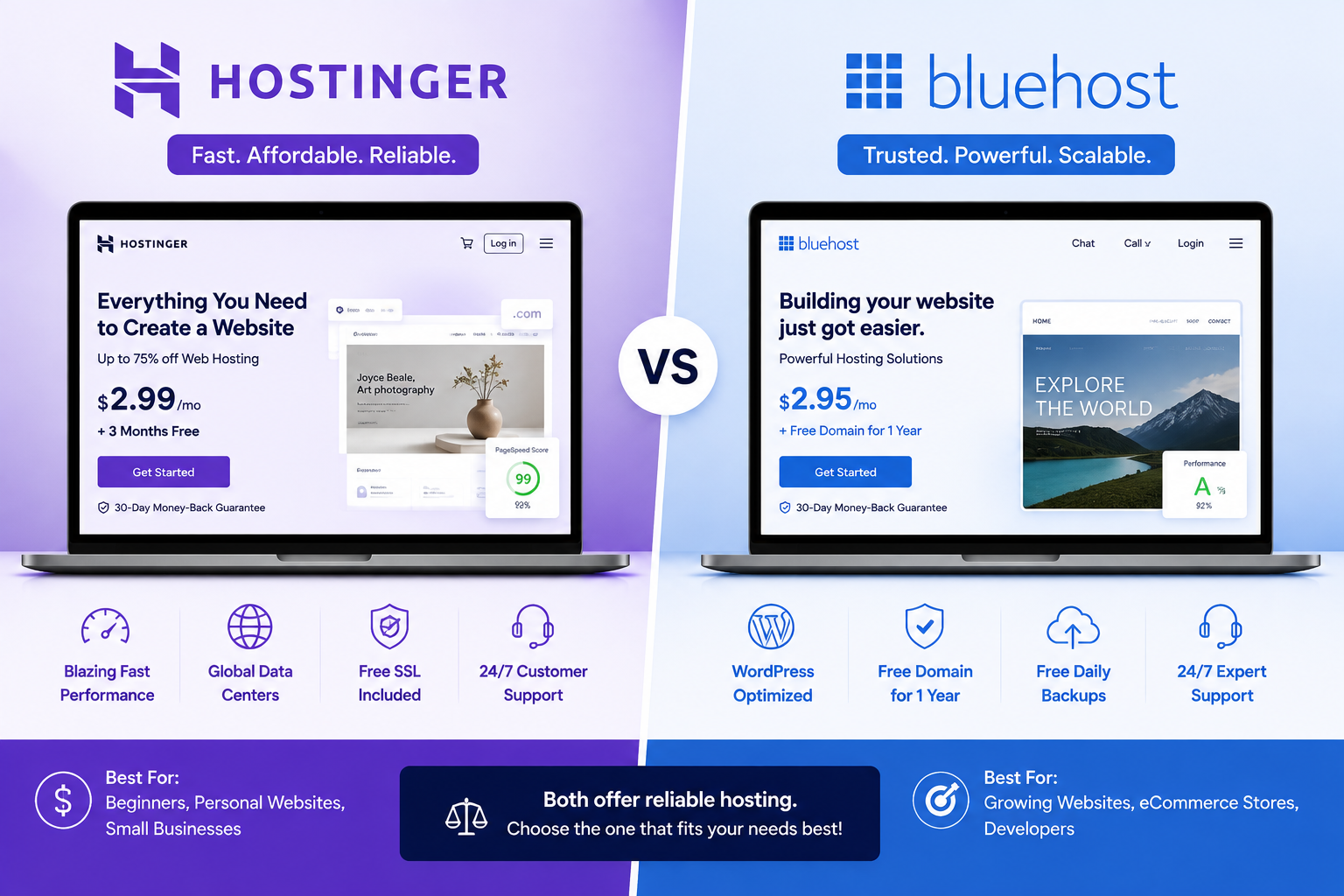
Hostinger vs Bluehost: Complete Hosting Comparison (2026)
August 1, 2026 | by anisurrahaman235f@gmail.com
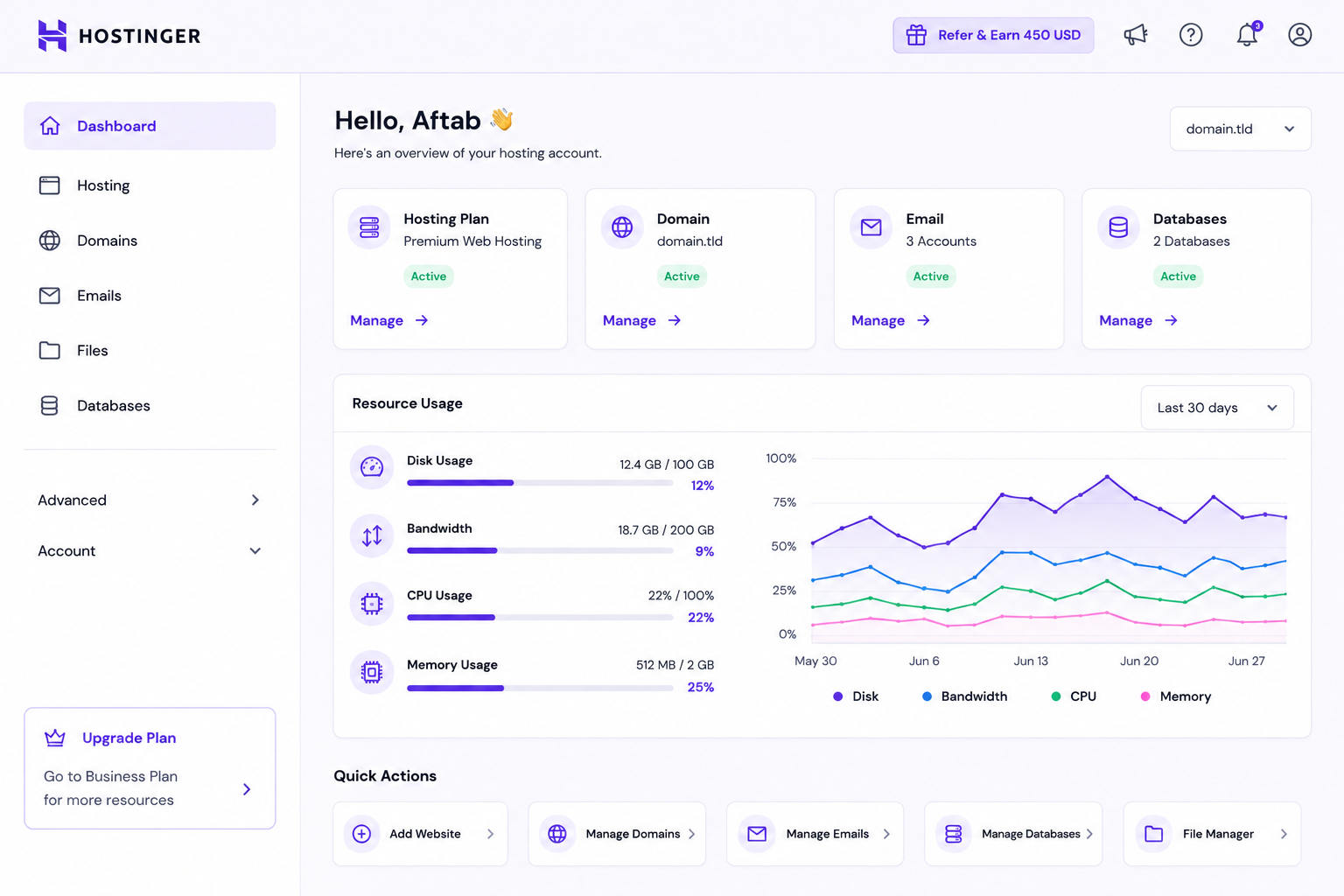
Beginner’s Guide to Hostinger hPanel (2026 Edition)
August 2, 2026 | by anisurrahaman235f@gmail.com