

The Complete Beginner’s Guide to Launching Your First Website (2026)
August 2, 2026 | by anisurrahaman235f@gmail.com
Not long ago, building a website meant learning at least a little code, wrestling with a confusing hosting dashboard, and hoping nothing broke along the way. That barrier has largely disappeared. Between AI-powered builders that generate a working site from a few sentences and drag-and-drop editors that need zero technical knowledge, 2026 is genuinely one of the easier years in the internet’s history to go from “I have an idea” to “my site is live.”
What hasn’t changed is why it matters. More than 70% of consumers now check a business’s website before making a purchasing decision, and a meaningful share say they simply won’t trust a business that doesn’t have one at all. Whether you’re launching a blog, a portfolio, or a small business site, this guide walks through the entire process step by step — from picking a name to going live — along with realistic costs and the mistakes that trip up most first-time site owners.
Step 1: Define What Your Website Is Actually For
This sounds obvious, but skipping it is the single most common reason beginner websites feel unfocused. Before choosing any tool or platform, get specific about your goal: Are you writing a personal blog? Selling a product? Showcasing a portfolio? Promoting a local business? Your answer shapes almost every decision that follows — which platform fits best, what pages you actually need, and what “done” even looks like for a first version.
You don’t need a fully polished content plan at this stage, just enough clarity to avoid building in circles later.
Step 2: Choose and Register Your Domain Name
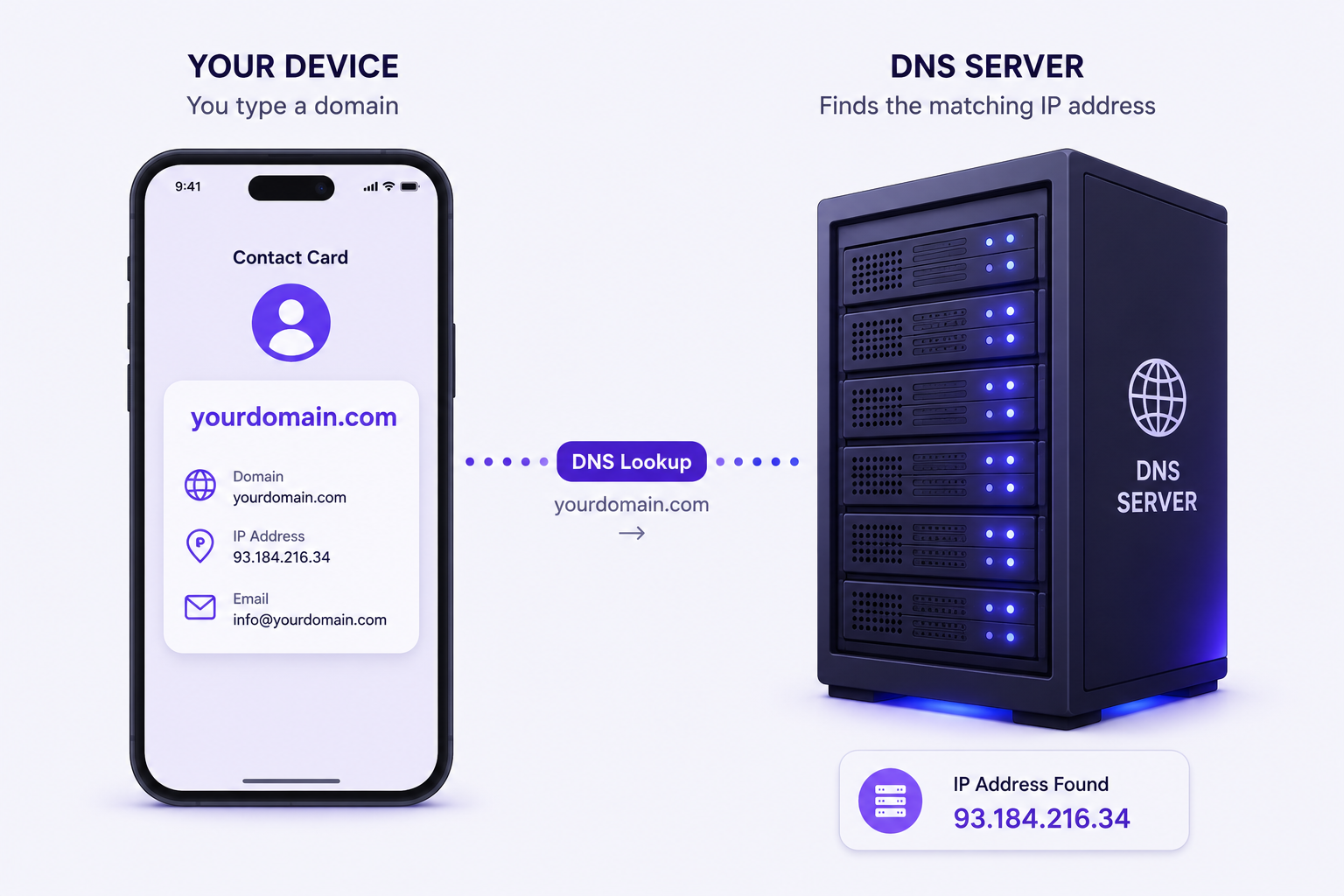
Your domain is your website’s permanent address, so it’s worth a few extra minutes of thought rather than rushing the first available option. A few practical guidelines:
- Keep it short, easy to spell, and easy to say out loud — if you’d have trouble reading it aloud to someone over the phone, reconsider it
- Favor a .com extension where available, since it remains the most immediately recognizable to visitors, though alternatives like .co, .io, or .net are reasonable fallbacks if your first choice is taken
- Avoid getting overly creative with spelling or hyphens just to secure availability — memorability matters more than uniqueness for its own sake
- Match your domain to your actual business or brand name wherever possible, rather than something unrelated that requires extra explanation
Domain registration typically costs $1 to $15 per year depending on the extension and registrar, and many hosting providers or AI website builders now include a free domain for the first year as part of a bundled plan.
Step 3: Choose How You’re Actually Going to Build It
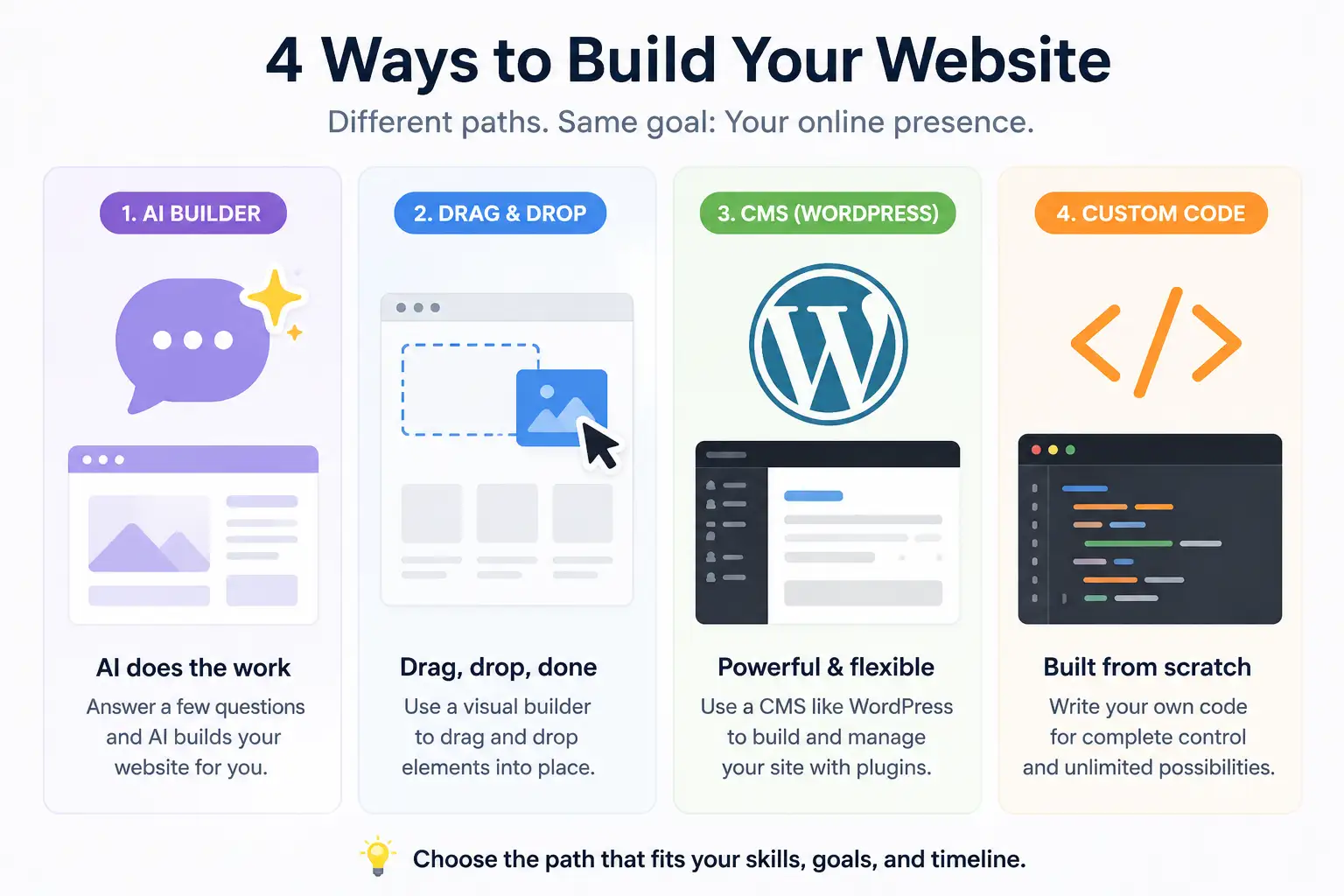
This is the decision beginners get stuck on longest, mostly because there are now genuinely more good options than there used to be. In 2026, there are four realistic paths, and the right one depends on how fast you need to launch and how much control you want later.
AI website builders. The fastest option available today. You describe your business or idea in plain language, and the tool generates a complete, structured site — layout, sections, and starter copy — often in two to three minutes. Tools in this category (Hostinger AI, Wix ADI, 10Web, and several newer entrants) are ideal if speed matters more than fine-grained customization, and most offer a free trial period before requiring payment.
Drag-and-drop website builders. A step down in automation but still requiring no coding knowledge. You pick a template suited to your site type, then manually arrange sections, text, and images through a visual editor. This gives you more creative control than an AI builder while still being approachable for a complete beginner.
A CMS like WordPress on hosting. This is the more traditional route, and still the right choice if you want maximum flexibility, a huge ecosystem of themes and plugins, and long-term control over your content without being tied to one specific builder’s platform. It requires choosing hosting separately and involves a slightly steeper initial learning curve, but scales better for content-heavy or growing sites.
Custom code. The most flexible and most technically demanding option, generally only worth it if you have development experience or a very specific requirement that pre-built tools can’t accommodate. For a first website, this is rarely the practical choice.
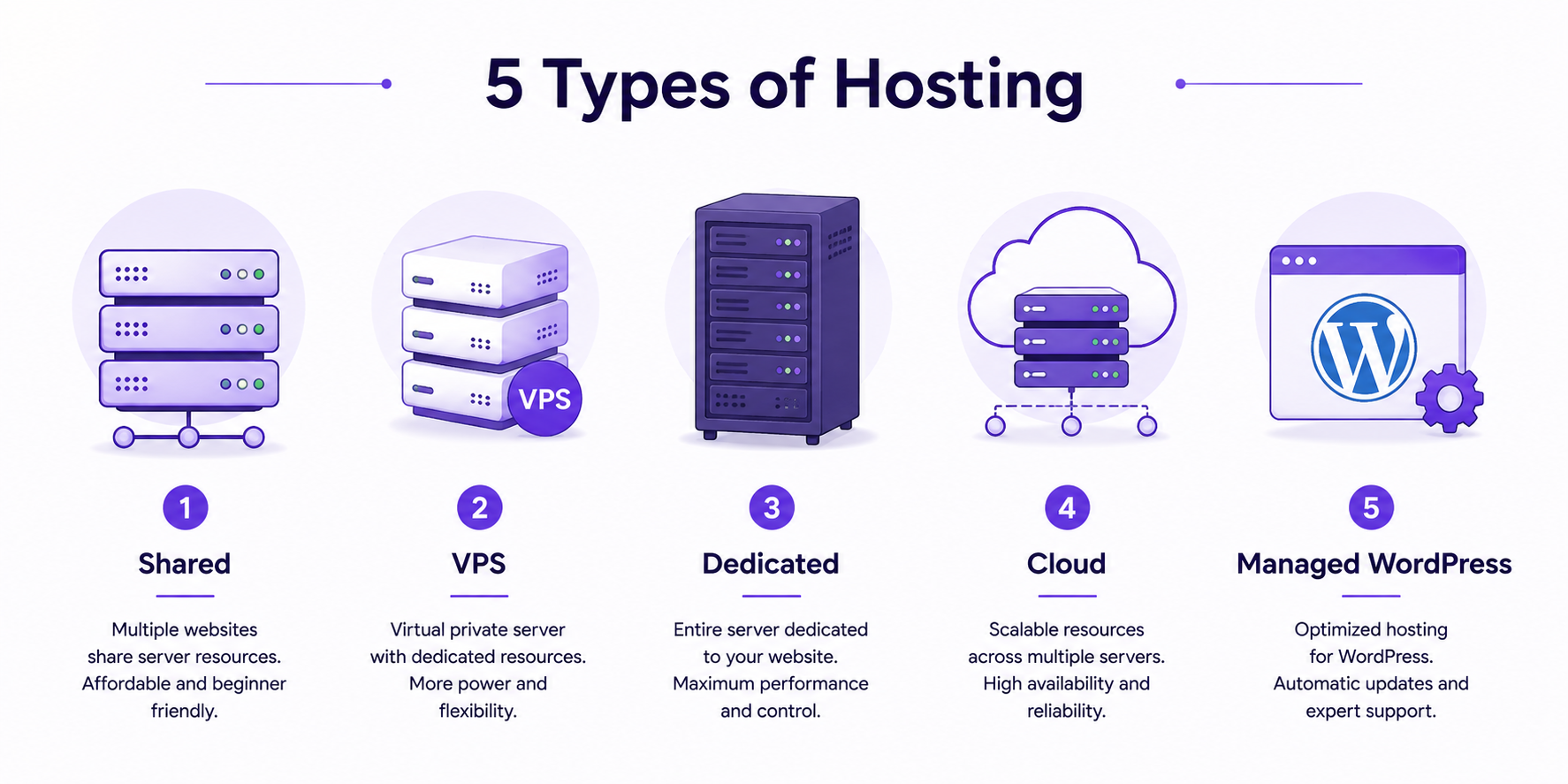
Step 4: Set Up Hosting (If Your Platform Requires It)
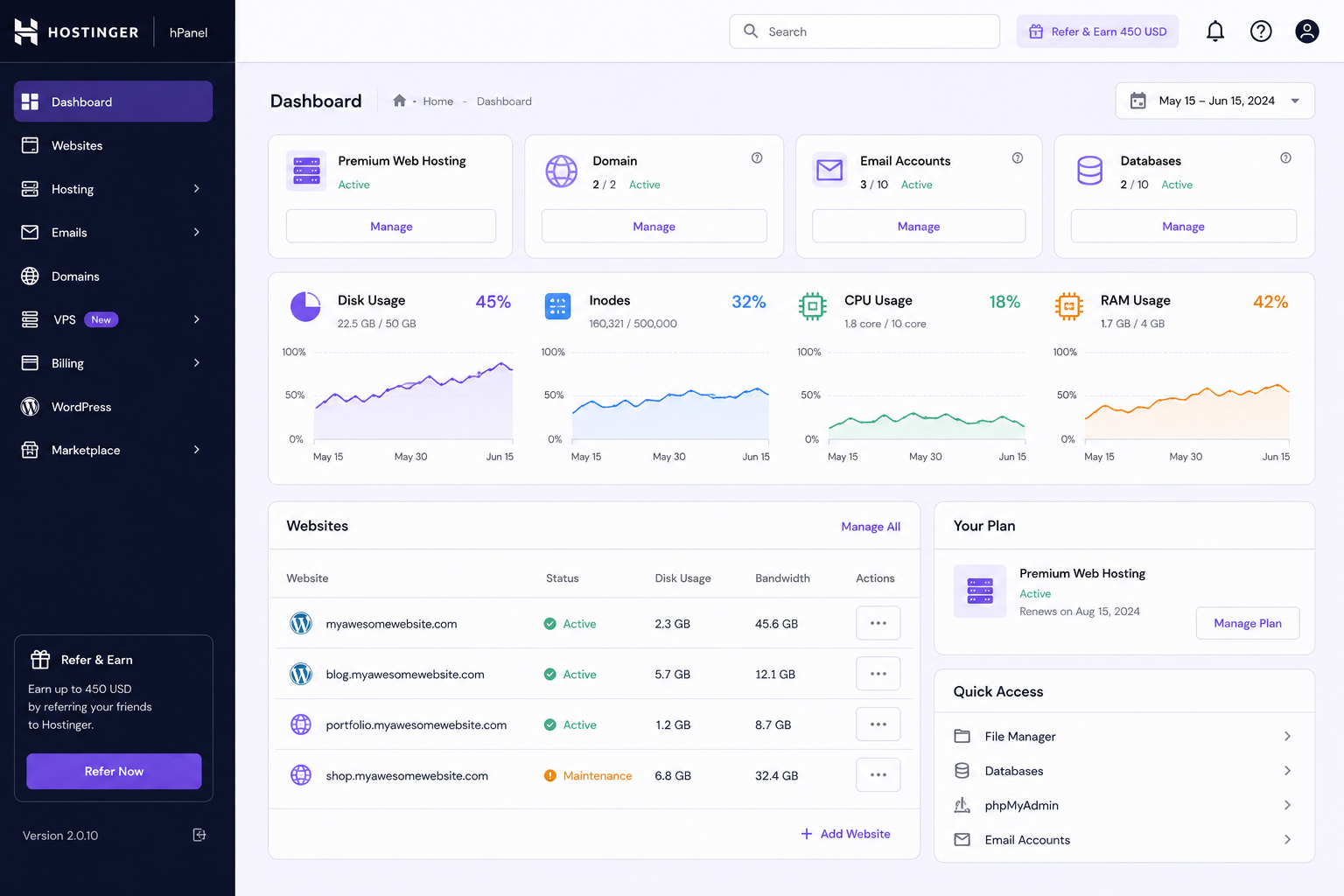
If you chose an AI builder or drag-and-drop platform, hosting is usually bundled in automatically — you don’t need to think about it separately. If you’re going the WordPress or custom-code route, you’ll need to select hosting on your own.
At minimum, look for a plan that includes a free SSL certificate, reasonable storage and bandwidth for your expected traffic, and 24/7 support in case something goes wrong early on. Budget hosting plans in 2026 commonly start under $2–3 a month, which is more than sufficient for a first website with modest traffic expectations.
Step 5: Plan Your Core Pages
Beyond your homepage, most first websites need a small, focused set of supporting pages rather than an exhaustive site map:
- Homepage — tells visitors what you do and points them toward the next step within seconds of arriving
- About page — builds trust by explaining who’s behind the site
- Contact page — a missing or broken contact page quietly costs real leads every single day it goes unnoticed, so double-check this one specifically before launch
- Purpose-specific pages — product pages for a store, a portfolio gallery for creative work, or a blog archive if content is central to your site
Resist the urge to add every page you can think of on day one. A smaller, well-executed set of pages beats a sprawling site with several thin, unfinished ones.
Step 6: Add Real Content — Not Placeholder Text
Whatever platform you’re using, replace all placeholder or “lorem ipsum” text before launch. Even a handful of genuine sentences describing what you actually offer, paired with real (or at least relevant) images, makes a far stronger first impression than polished-looking filler content that says nothing specific about your business.
Step 7: Test Everything Before You Go Live
This step gets skipped constantly by first-time site owners eager to launch. Before publishing:
- Test on a phone, not just your desktop browser — a large share of visitors will see your site on mobile first, and layout issues that look fine on a laptop often break on smaller screens
- Click every link and button to confirm nothing points to a dead page or broken form
- Submit your own contact form as a test to make sure submissions actually reach you
- Check load speed, since a slow first impression can cost visitors before they’ve even seen your content
Step 8: Publish
Once everything checks out, publishing is typically a single, clearly labeled action — most builders and CMS platforms display a prominent “Publish” or “Go Live” button directly in the dashboard. After clicking it, type your actual domain into a browser to confirm the live site loads correctly for a real visitor, not just in the builder’s preview mode.
Step 9: What Comes After Launch
A live website is the beginning of ownership, not the finish line. A few things worth setting up in your first week live:
- Basic analytics, so you can see how many visitors arrive and which pages they actually engage with
- Search engine indexing, submitting your new site so it can begin appearing in search results
- A simple content or update schedule, even if it’s modest, since a site that never changes after launch tends to feel abandoned to returning visitors
Realistic Cost Breakdown for a First Website
Actual costs vary by platform, but a reasonable full-year estimate for a self-built site looks roughly like this:
- Domain name: $1–$15/year
- Web hosting: roughly $2–$5/month on budget shared plans, more for managed or AI-builder subscriptions
- Theme or template: often free; AI builder subscriptions commonly run $8–$20/month if you continue past a free trial
- Design work: free if self-built, or $300–$1,500 if you hire a freelance designer for a more polished result
Altogether, a self-built, self-maintained first website typically costs somewhere between $25 and $200 for the first year — a modest investment relative to what a professional online presence used to require.
Common Beginner Mistakes Worth Avoiding
- Waiting for perfection. A simple, live site beats a flawless one that never actually launches. You can always improve it after people can already see it.
- Overloading the homepage. Trying to say everything at once usually means visitors leave without understanding anything clearly.
- Ignoring mobile. Always check how your site actually looks and functions on a phone, both before and after any future changes.
- Skipping the contact page, or leaving it half-finished — this is one of the easiest fixes with one of the biggest real-world costs if missed.
- Choosing a platform based only on speed, without considering whether you’ll want more control or flexibility later as your site grows.
Final Thoughts
Launching a first website in 2026 no longer requires technical expertise, a large budget, or weeks of setup — the tools have genuinely caught up to the promise of “no-code.” What still matters is the same as it’s always been: a clear sense of purpose, a small set of well-executed pages, and the willingness to launch an imperfect version rather than waiting indefinitely for a perfect one. Once your site is live, the real work — refining it based on how actual visitors use it — is far easier than the version of “launching a website” that used to intimidate beginners in the first place.
RELATED POSTS
View all

Hostinger Review 2026: Features, Pricing, Pros and Cons
August 1, 2026 | by anisurrahaman235f@gmail.com
What Is Web Hosting and How Does It Work? (2026 Beginner’s Guide)
August 1, 2026 | by anisurrahaman235f@gmail.com
Domain Name vs Web Hosting: What’s the Difference? (2026 Guide)
August 1, 2026 | by anisurrahaman235f@gmail.com